
User guide · Sponsor Coordinator
How to place and follow students with Boundless Interns
Approve students, link host companies, send referrals, track documents and travel, and verify completion certificates.
Watch the walkthrough
Before you start
- Your institution's workspace is set up by the Boundless team after we confirm your organization. Contact us if you do not have a sign-in yet.
- Sign in at boundlessinterns.com/login and choose Sponsor Portal.
- The steps below use a demo workspace with sample data.
Steps in this guide
- Start on your dashboard
- Approve a student who asks to join
- Confirm the student is linked
- Find a host in Partner Network
- Link the partner
- Send a referral
- Wait for the host's decision
- Track documents and travel
- Verify a completion certificate
- Review the whole program
1.Start on your dashboard
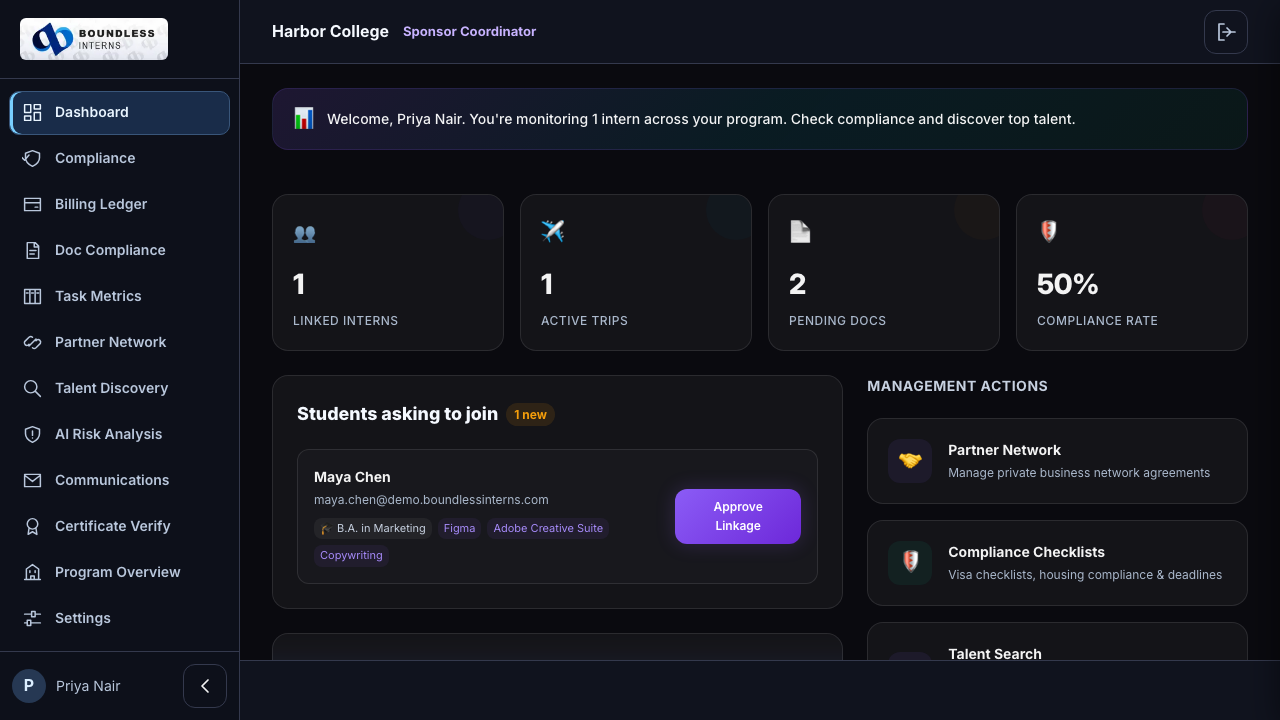
The top row shows how many students you represent, active trips, documents waiting for review and your overall compliance rate. Students asking to join lists students who have asked to join your program.
2.Approve a student who asks to join
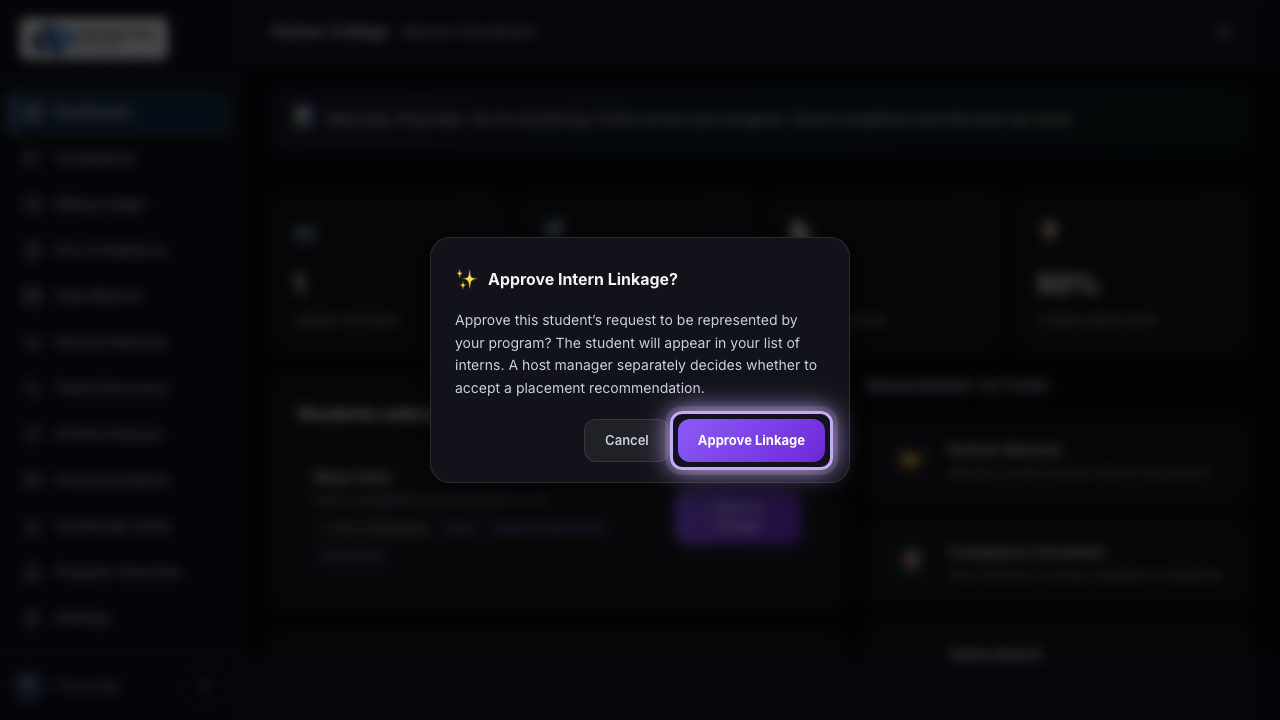
Check the student's name, email, degree and skills, then choose Approve Linkage and confirm. Approving adds the student to your list of interns. It does not place them with a host.
3.Confirm the student is linked
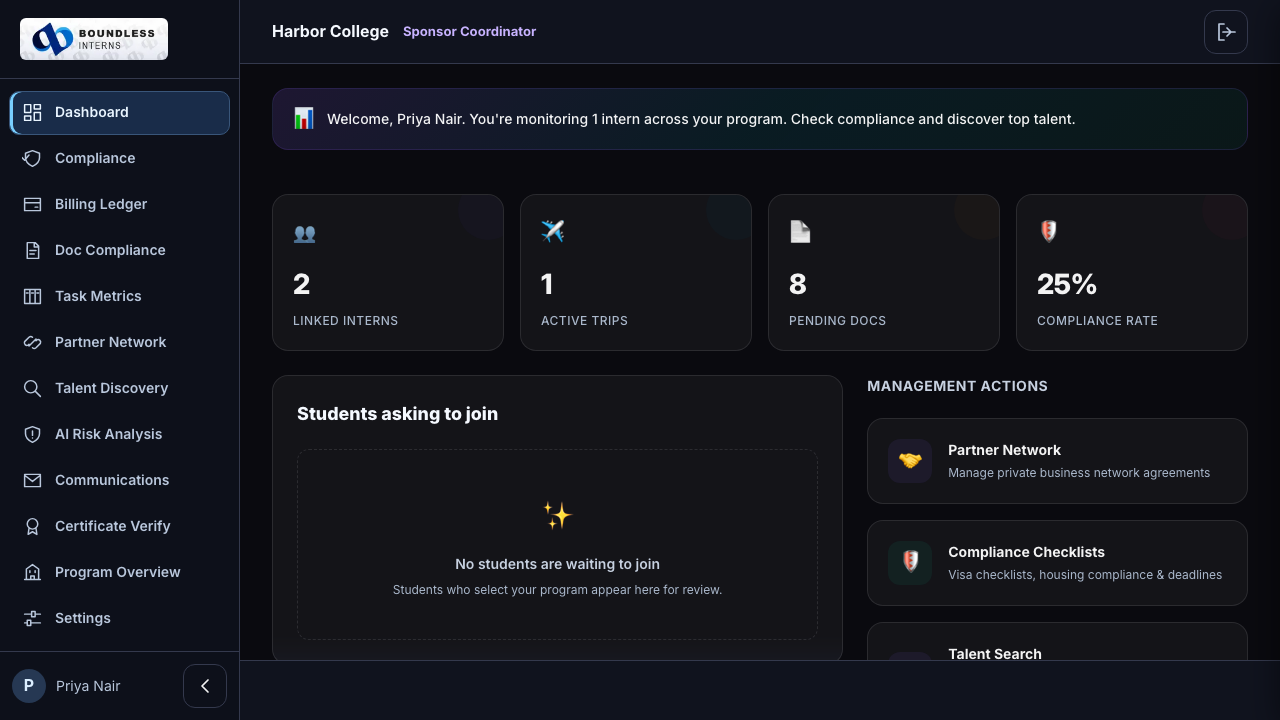
The request leaves the list and your Linked Interns total goes up. The student now appears under Linked Interns and Placements.
4.Find a host in Partner Network
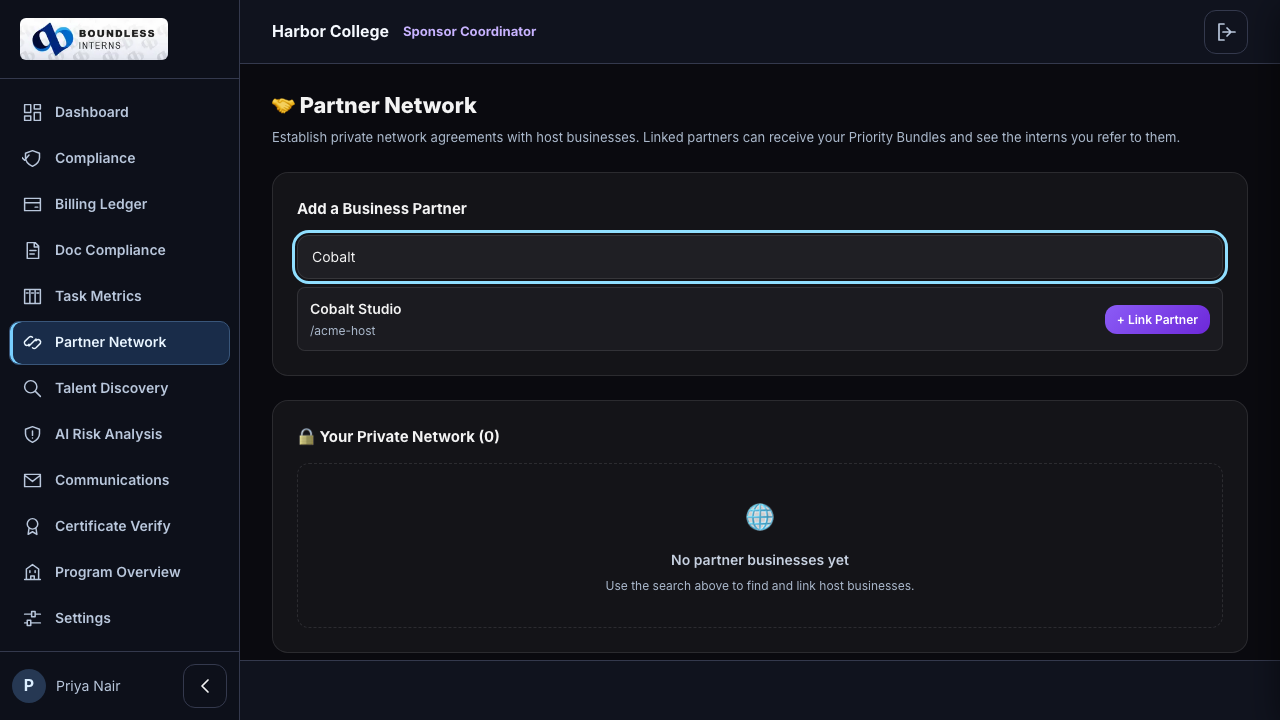
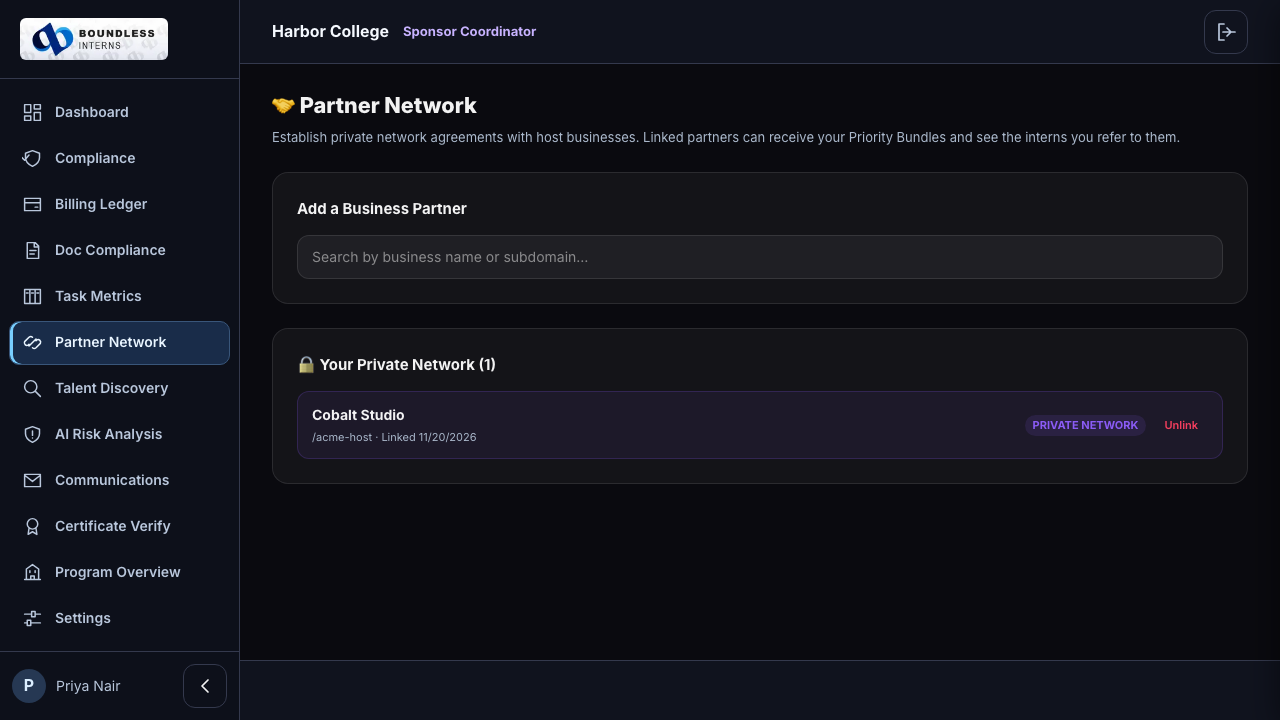
Open Partner Network. Type the business name in the search box. Matching host companies appear below it.
5.Link the partner
Choose Link Partner. The business moves into Your Private Network. You can now send that host referrals. Choose Unlink to remove a partner later.
6.Send a referral
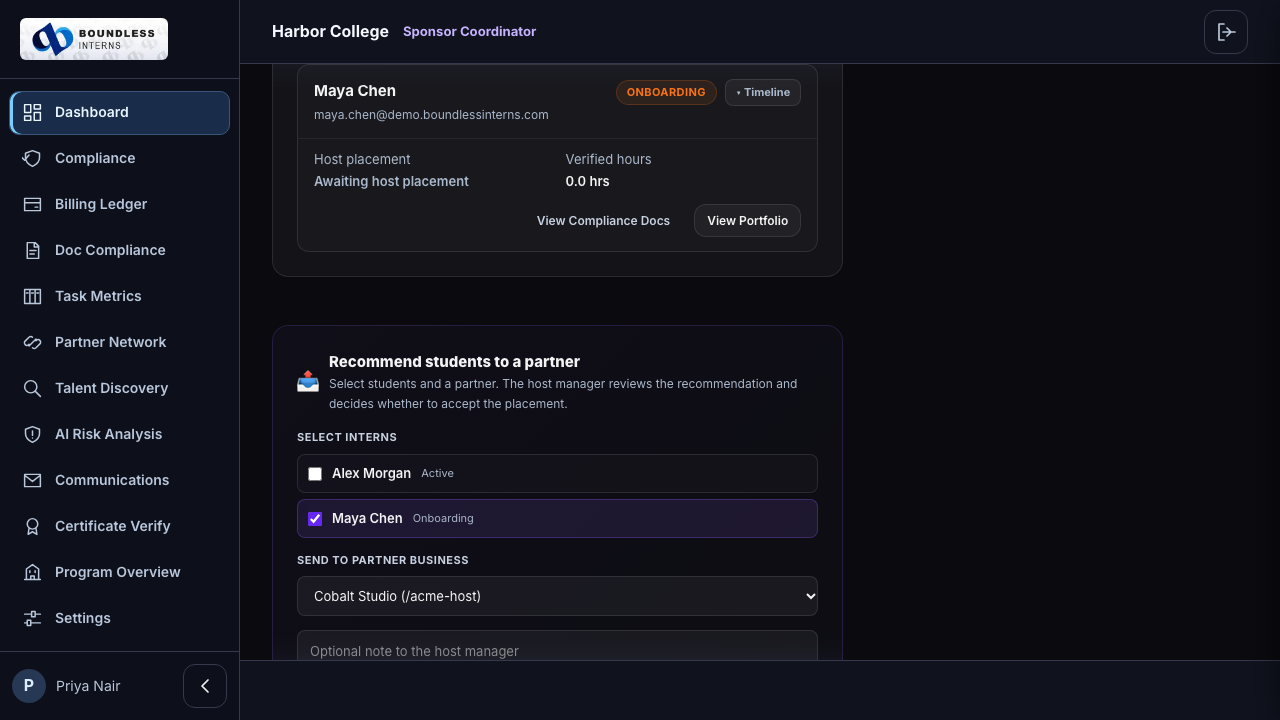
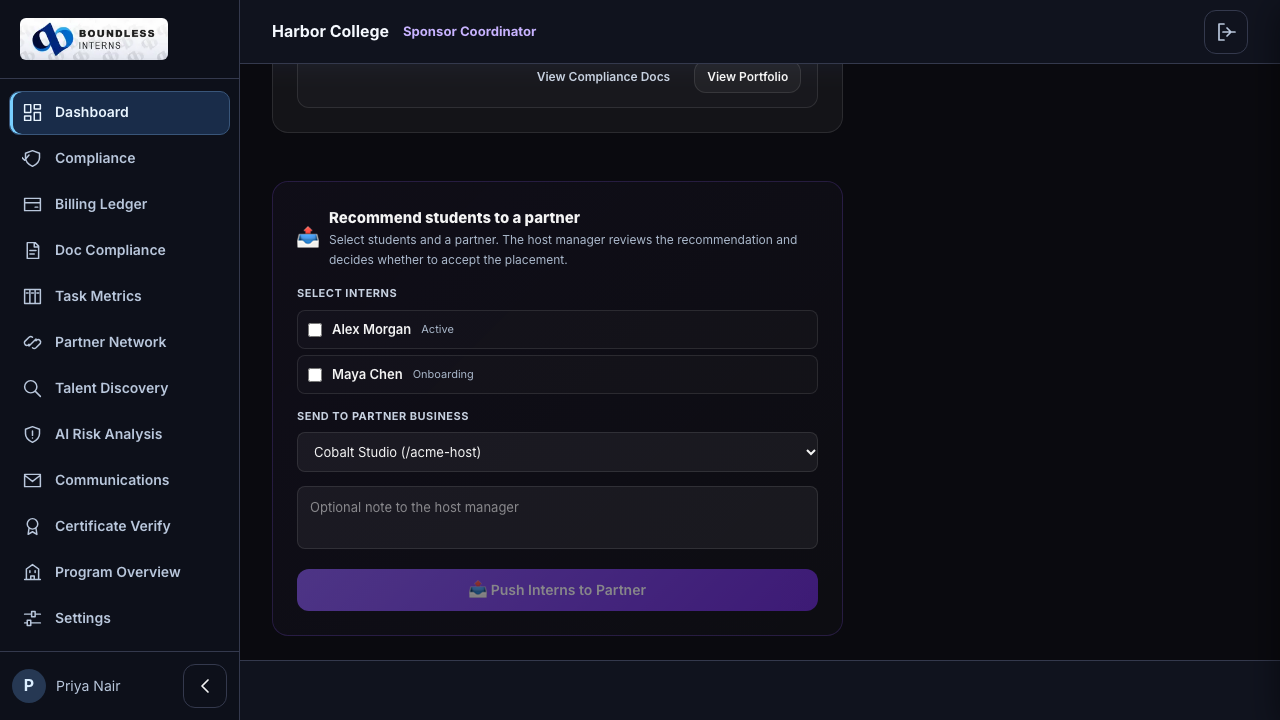
Go back to the dashboard and scroll to Recommend students to a partner. Tick the students you want to refer, choose the partner business, add an optional note for the host manager and choose Push to Partner.
Tip. Ask the student before you refer them. The host manager sees their name and profile.
7.Wait for the host's decision
The host manager sees the referral on their dashboard and decides whether to accept it. The student's card on your dashboard shows the host placement status, so you do not need to chase by email.
8.Track documents and travel
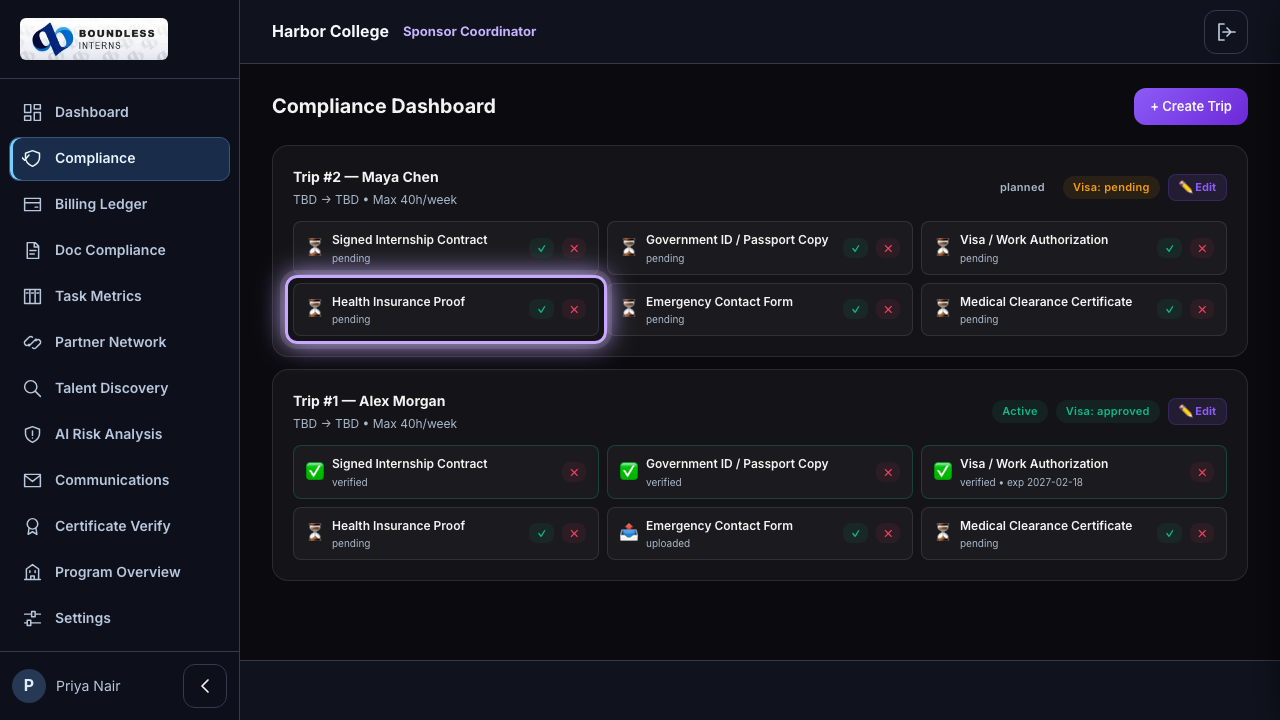
Compliance lists each student's trip and required documents: contract, ID, visa, insurance, emergency contact and medical clearance. Use the tick to mark a document verified after you have checked it, or the cross to reject it. Choose Create Trip to add travel for another student.
9.Verify a completion certificate
Open Certificate Verify, type the code exactly as it appears on the certificate and choose Verify. A matching record shows the intern, the host company, the sponsoring organization if one was recorded, and the date. An unknown code shows an error instead.
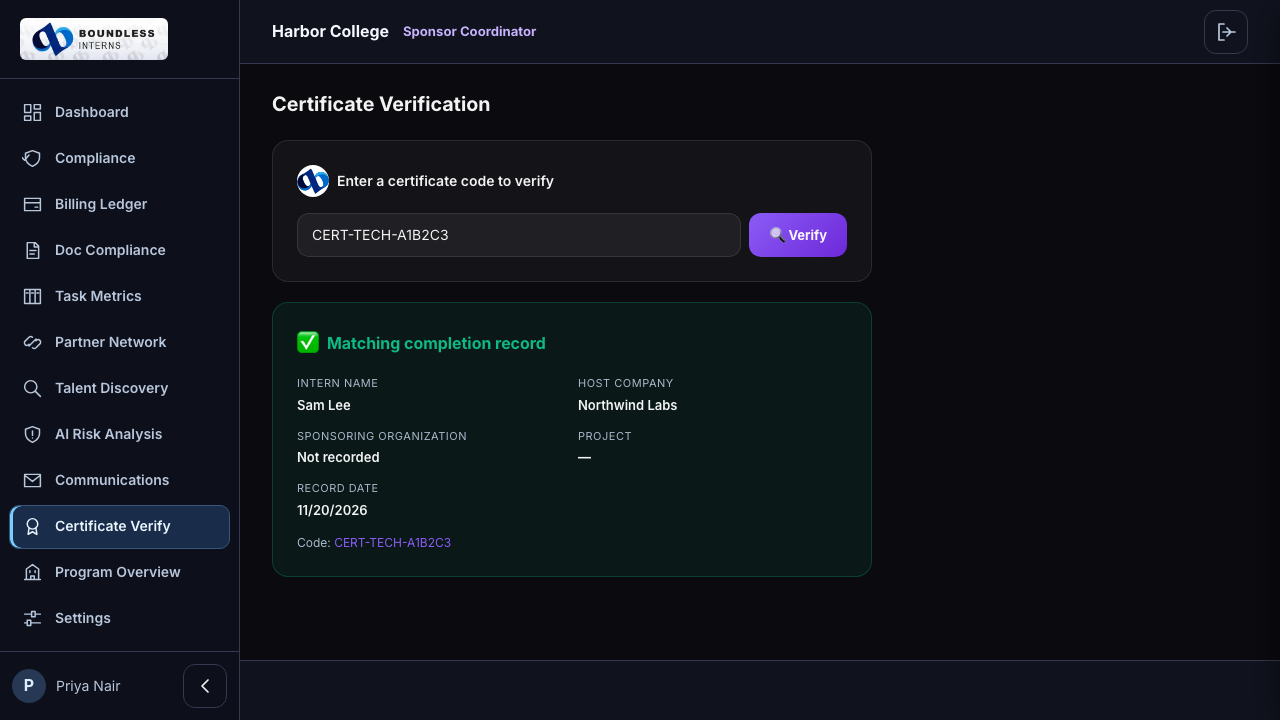
Tip. A match confirms that the placement was completed and recorded on Boundless. It names the host and sponsor. It is not an academic credit decision.
10.Review the whole program
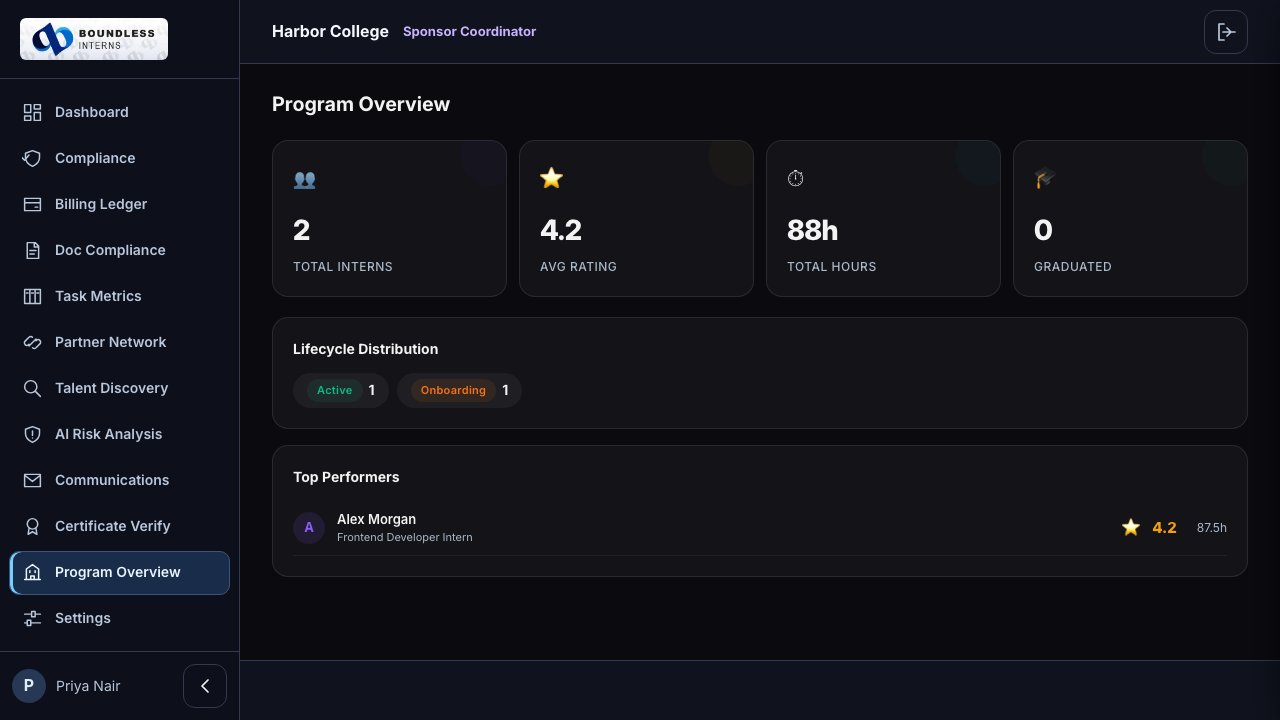
Program Overview totals your interns, hours, average rating and graduates. It also shows how many students are at each stage and who your top performers are.
What happens next
Use Communications to see the messages sent to students, and Doc Compliance for a single list of every document across your program.
Common questions
- The host I need is not in the search.
- The host needs a Boundless workspace first. Ask them to contact us, or contact us on their behalf.
- Can I place a student directly?
- No. You refer the student and the host manager accepts or declines. This keeps the supervising organization's decision on record.
- Who can see visa and document details?
- Only sponsor coordinators in your workspace. Host managers and other students cannot see them.
- A certificate shows Sponsoring organization: Not recorded.
- The student completed the placement without a sponsor linked at the time. The host and completion record are still valid.